1
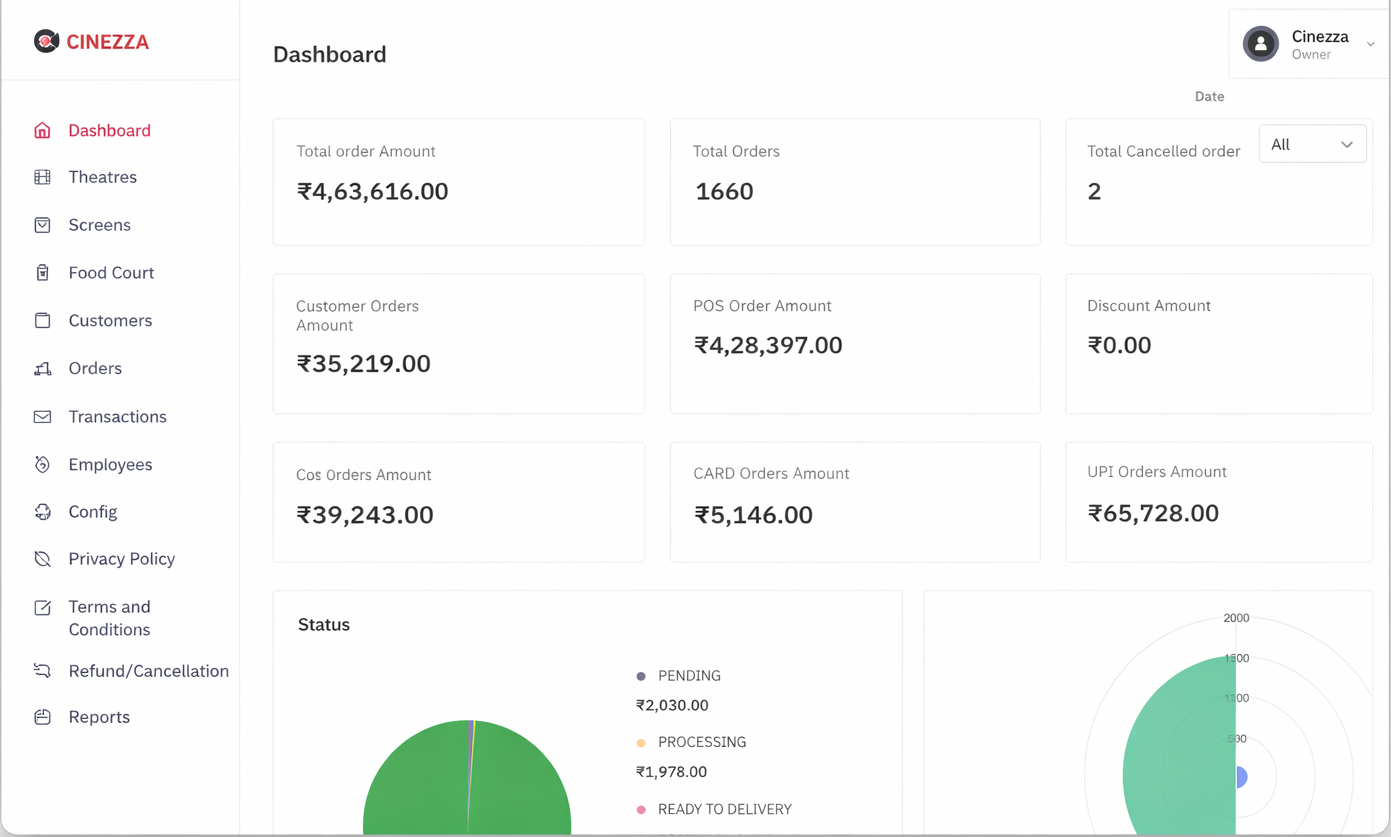
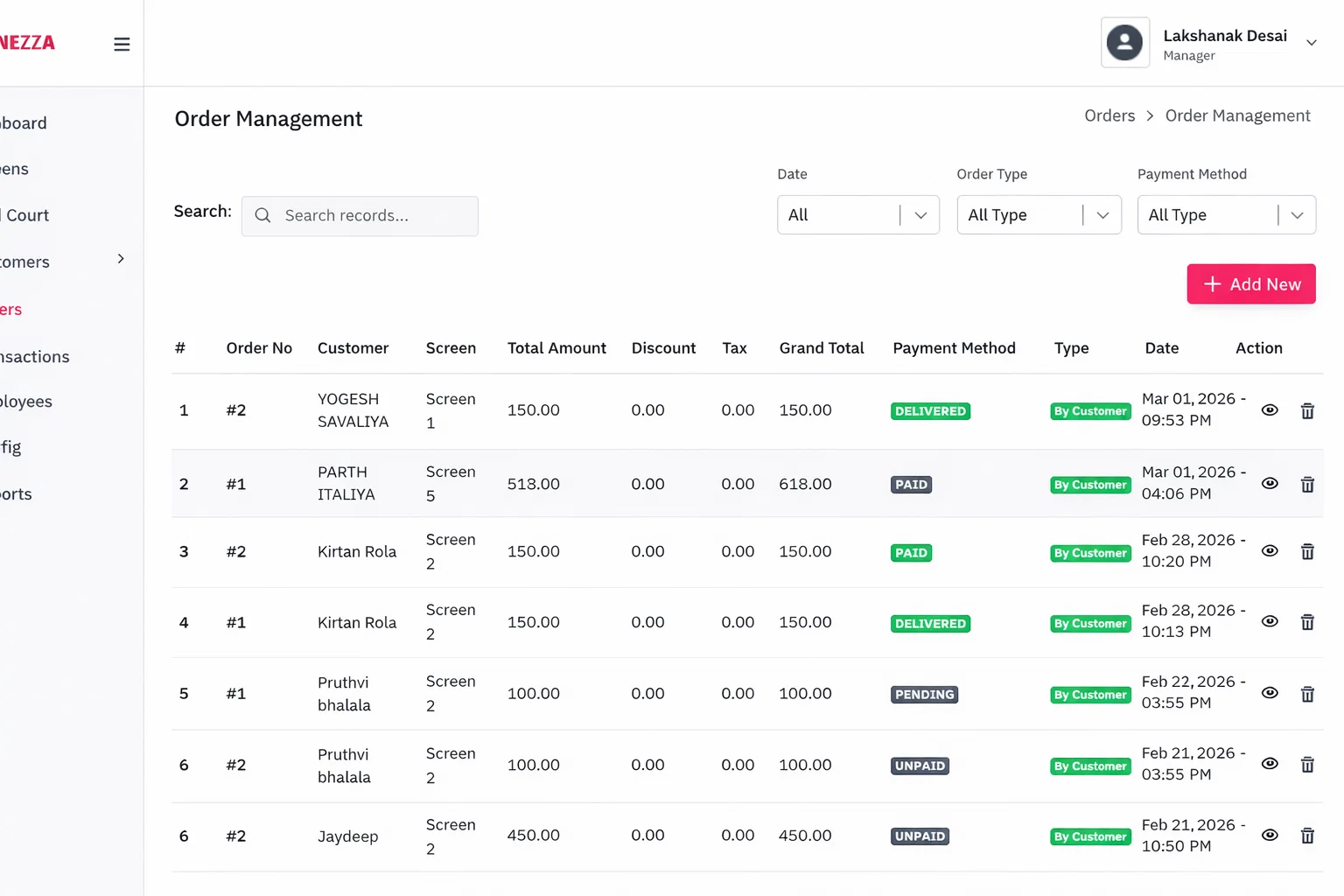
Monitor Live Orders
Keep a real-time eye on all incoming orders across your theatre. The live dashboard shows order status, items, and customer details as they come in.
- View all active orders in real-time
- Track order status from received to completed
- Filter orders by screen, status, or time
- Get notified instantly when new orders arrive
⤴
+
⦁
2
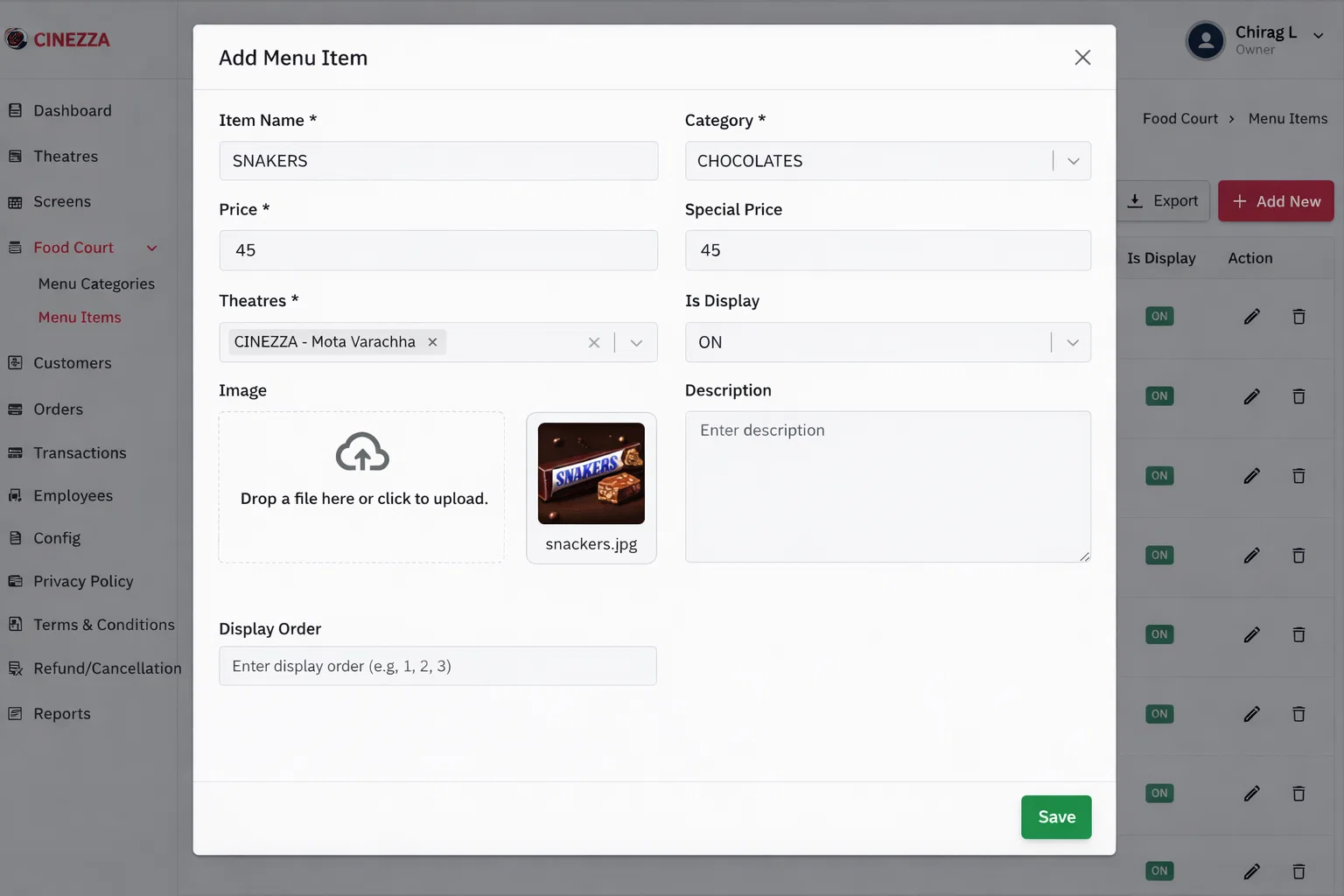
Manage Menu Updates
Update menu items, prices, and availability in real-time. Make changes that are instantly reflected on the customer ordering panel.
- Update item prices and descriptions
- Mark items as available or unavailable
- Add limited-time specials and promotions
- Changes reflect instantly on customer panel
⤴
+
⦁
3
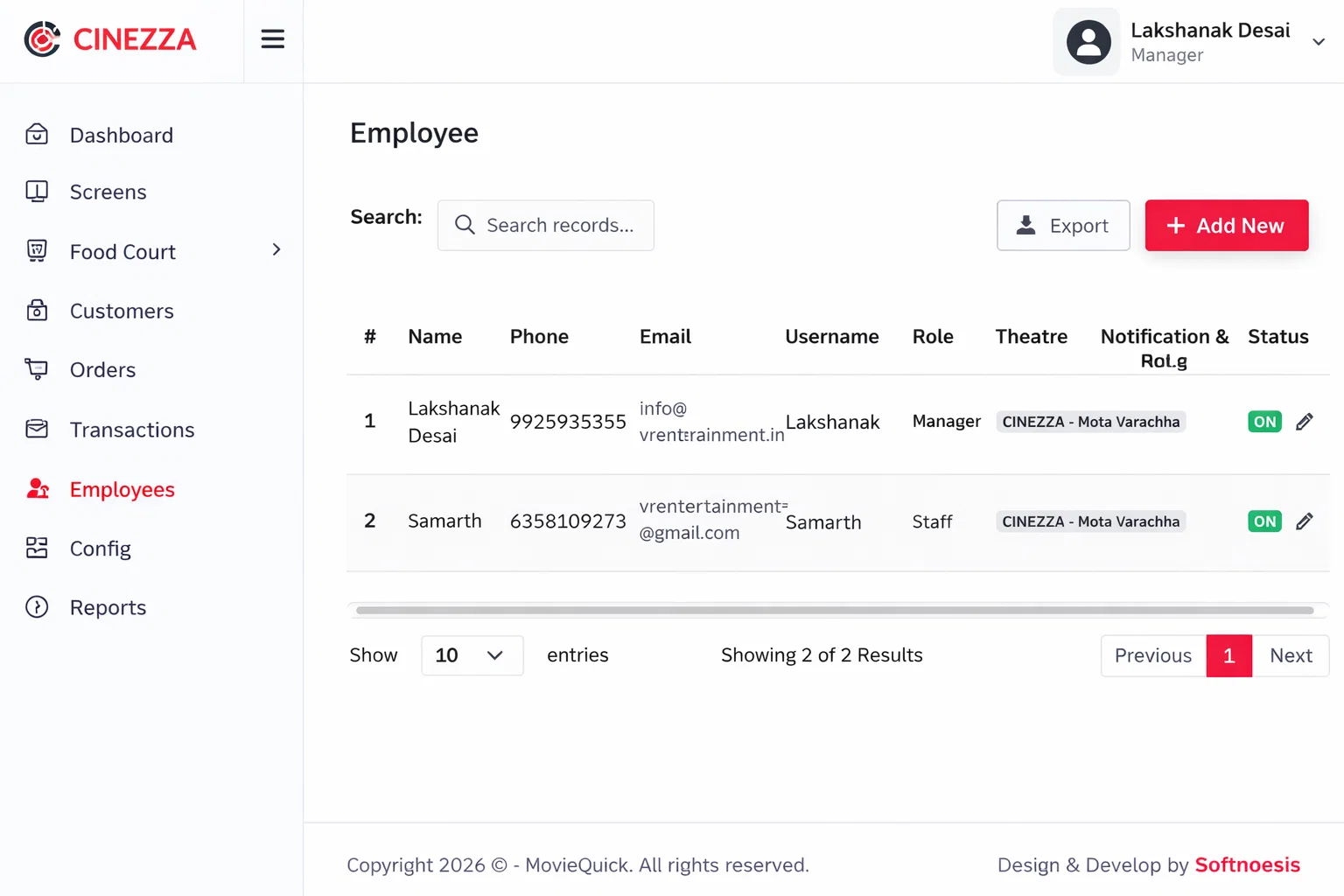
Supervise Staff
Monitor your staff's activity and performance. Ensure orders are being processed efficiently and customer service standards are maintained.
- View staff activity and order handling
- Track order processing times
- Identify bottlenecks and optimize workflows
⤴
+
⦁
4
Access Daily Reports
Review comprehensive daily reports to understand your theatre's performance. Track revenue, order counts, popular items, and more.
- View daily sales summaries and totals
- Analyze peak ordering hours
- Identify best-selling and underperforming items
- Compare performance across different days
⤴
+
⦁