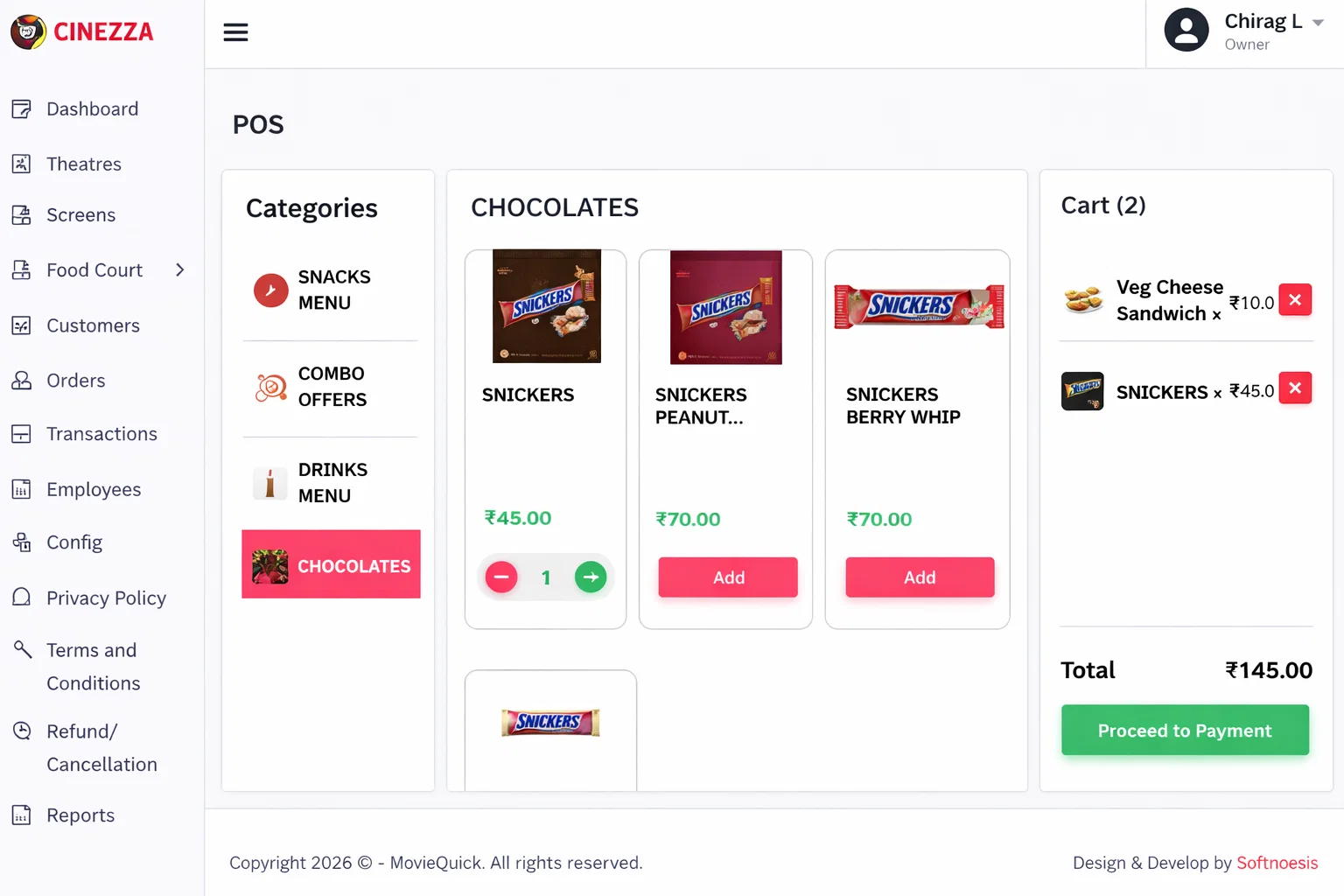
Login to Admin Panel
Access your admin dashboard using your registered email and password. The admin panel is your central hub for managing all your theatres and settings.
- Use your registered credentials to log in
- Access the secure admin dashboard
- Full control over all theatres from one login
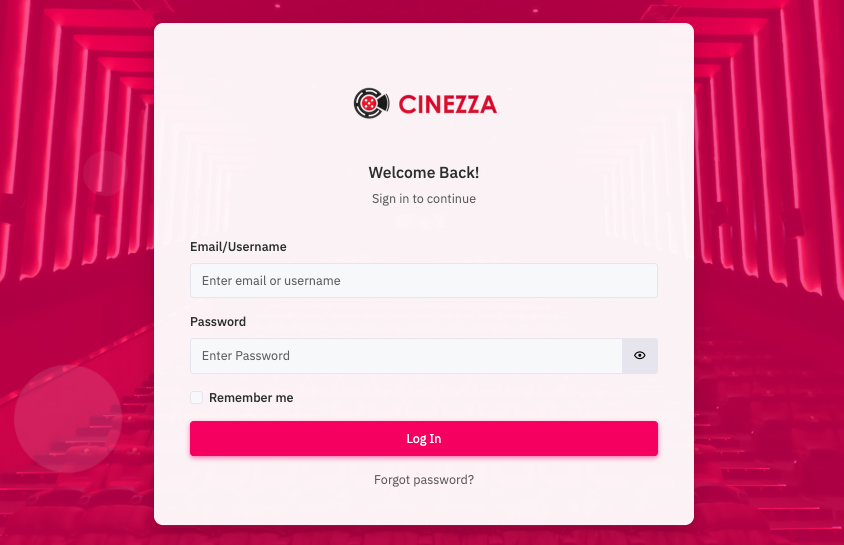
Add Theatre Locations
Register your theatre locations with complete details. Each location operates independently with its own menu, staff, and settings.
- Enter theatre name and full address
- Add contact details for each location
- Configure location-specific settings
- Manage multiple theatres from one admin panel
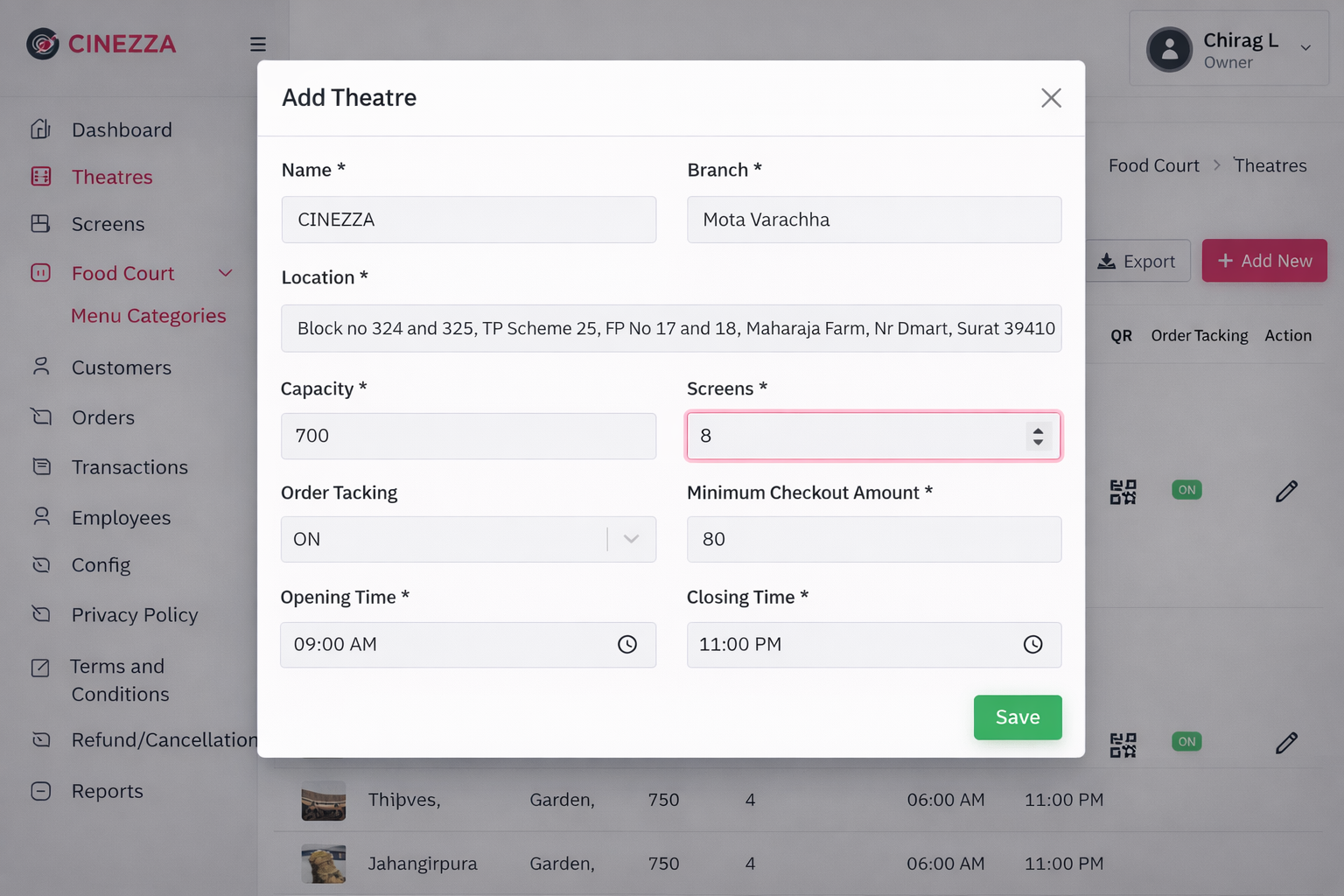
Add Screens
Add screens to each theatre location. Each screen can have its own QR code for targeted food ordering from seats.
- Name and number each screen
- Set capacity and seating details
- Link screens to their parent theatre
- Each screen gets its own dedicated QR code
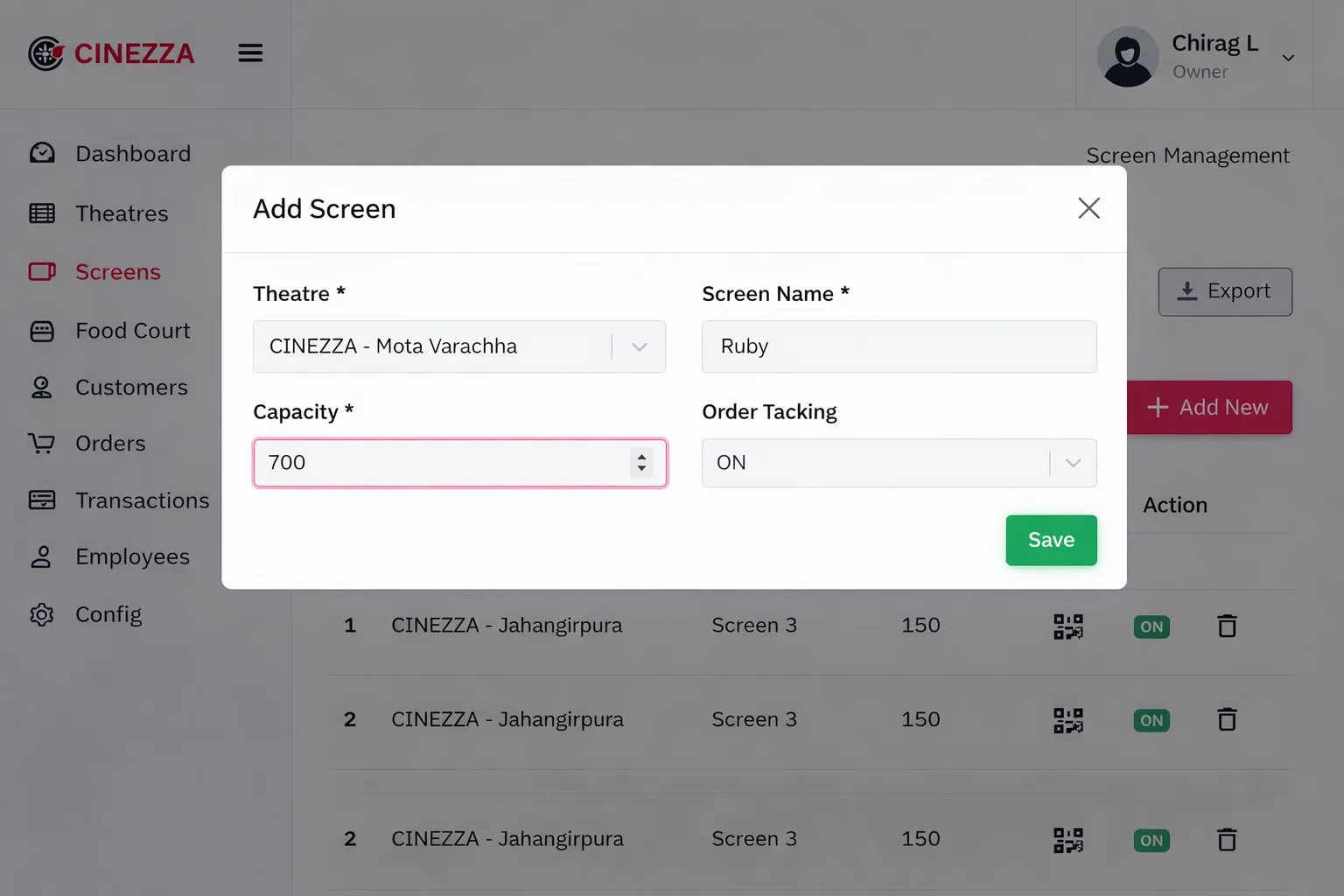
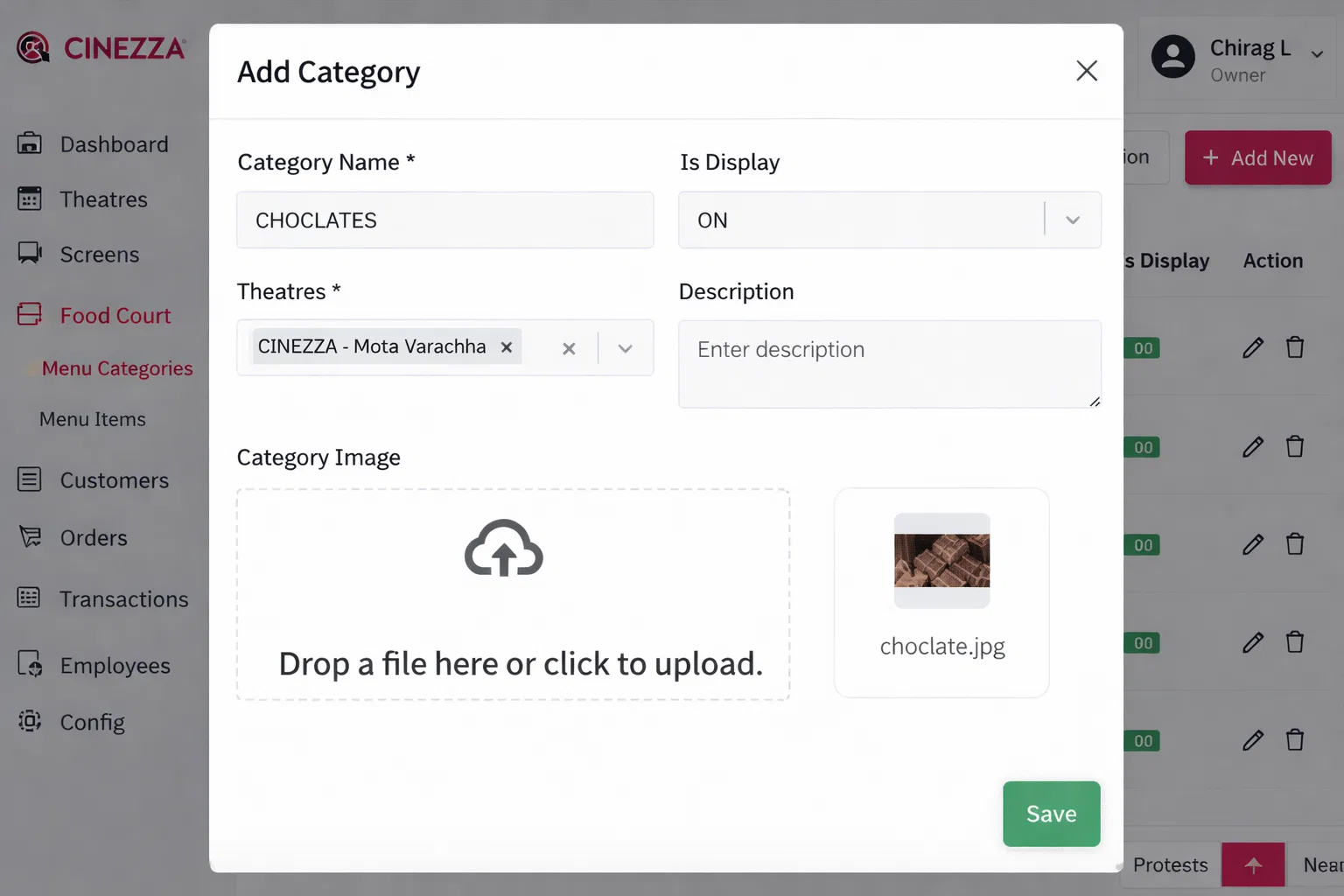
Create Menu Categories
Organize your food items into logical categories for easy browsing. Common categories include Snacks, Beverages, Combos, and Desserts.
- Create custom category names
- Set display order for categories
- Enable or disable categories as needed
- Categories are visible instantly on customer menu
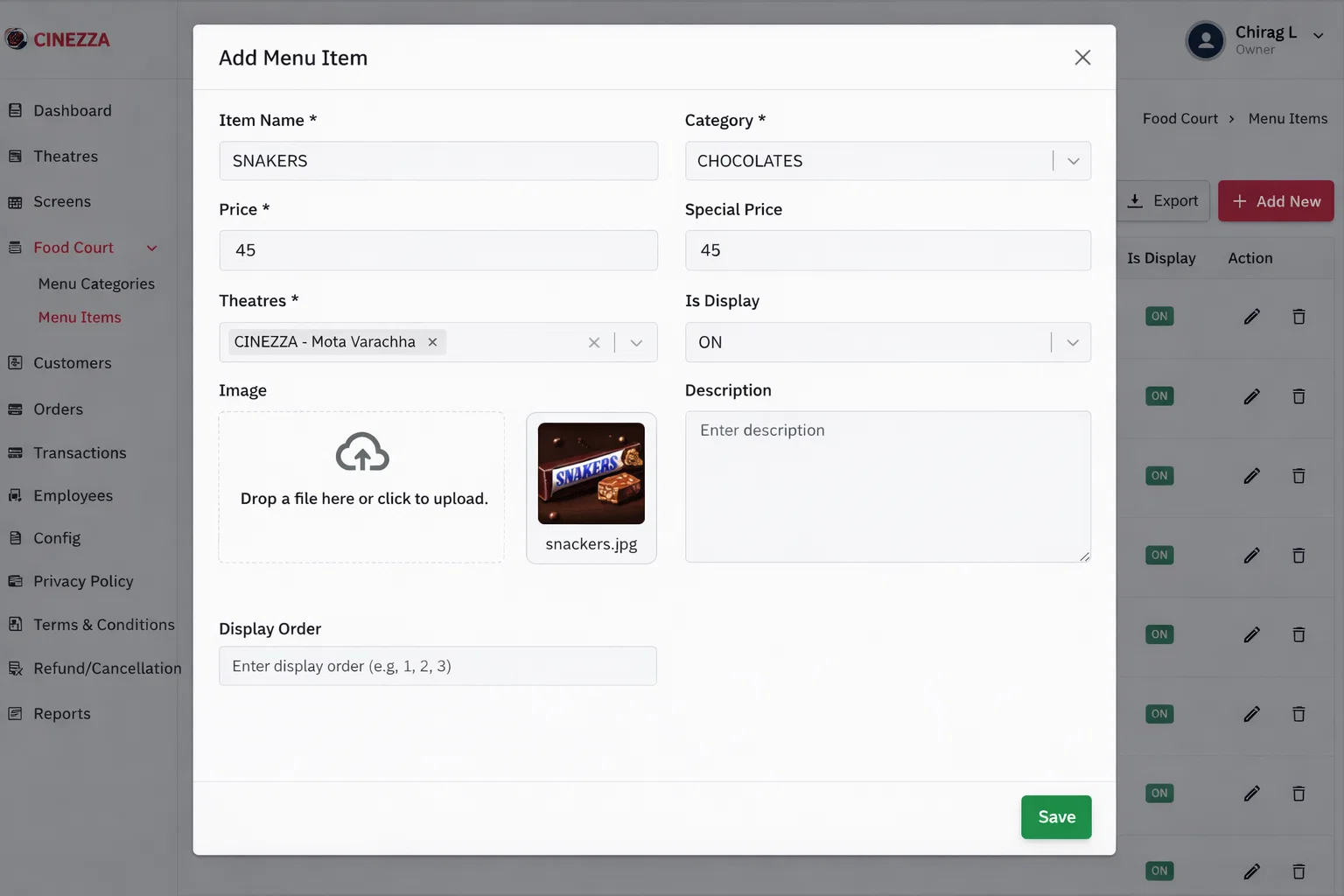
Add Menu Items
Add your food and beverage items with all the details customers need to make their choices. Items go live on the customer panel instantly.
- Upload appetizing food images
- Add item names and detailed descriptions
- Set regular and special promotional prices
- Mark items as available or unavailable anytime
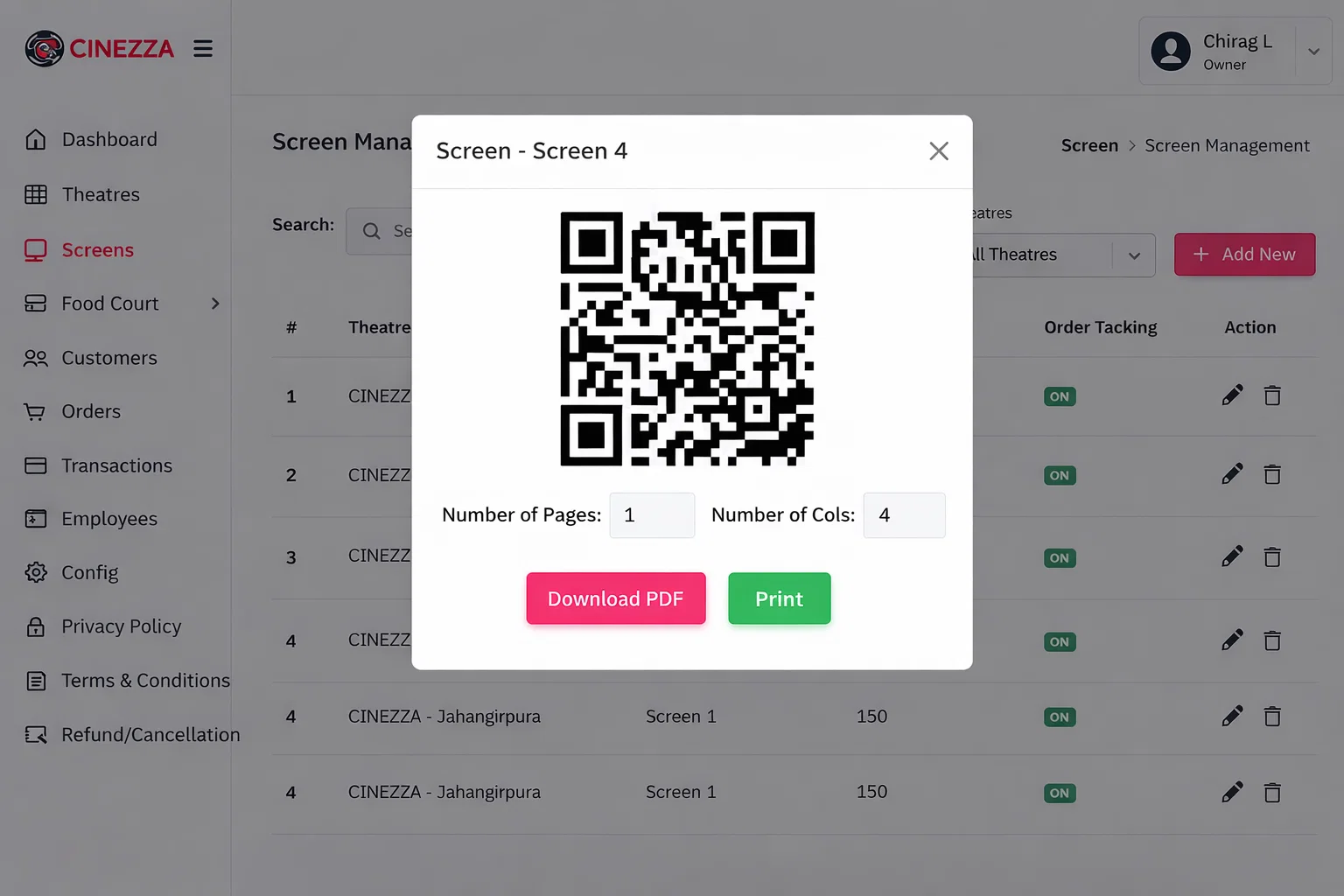
Generate QR Codes
Generate and download QR codes that allow customers to scan and access your theatre menu instantly. Customers can place food orders directly from their seats without installing any app.
- Generate whole theatre QR code for general access
- Generate screen wise QR codes for targeted ordering
- Download and print QR codes for display
- QR codes automatically link to your live menu
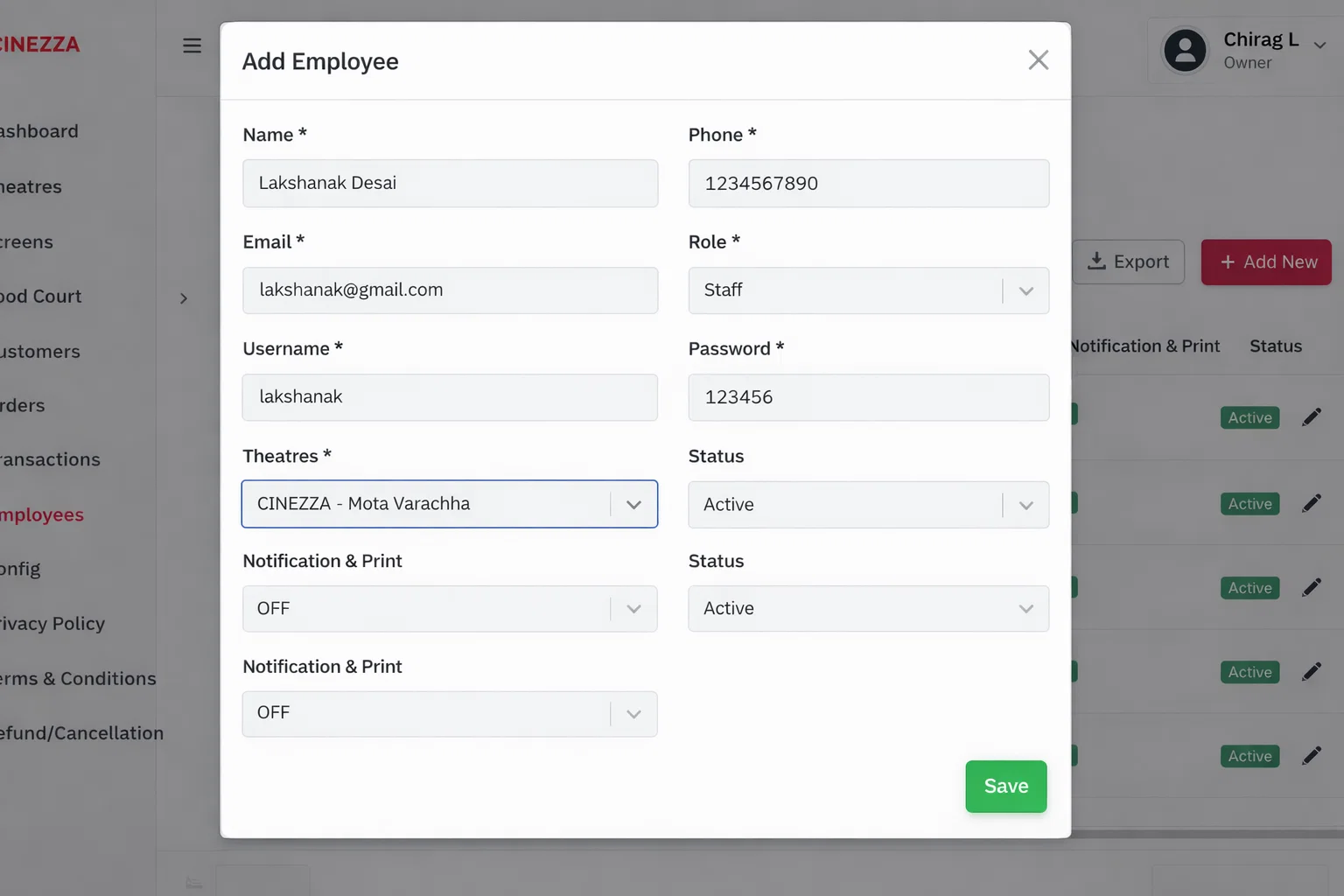
Add Managers and Staff
Build your team by adding managers and staff members. Assign each person to their specific theatre location and counter system.
- Add managers and assign them to specific theatres
- Add staff members and assign to counters
- Each role has specific access permissions
- Managers can only see their assigned theatre
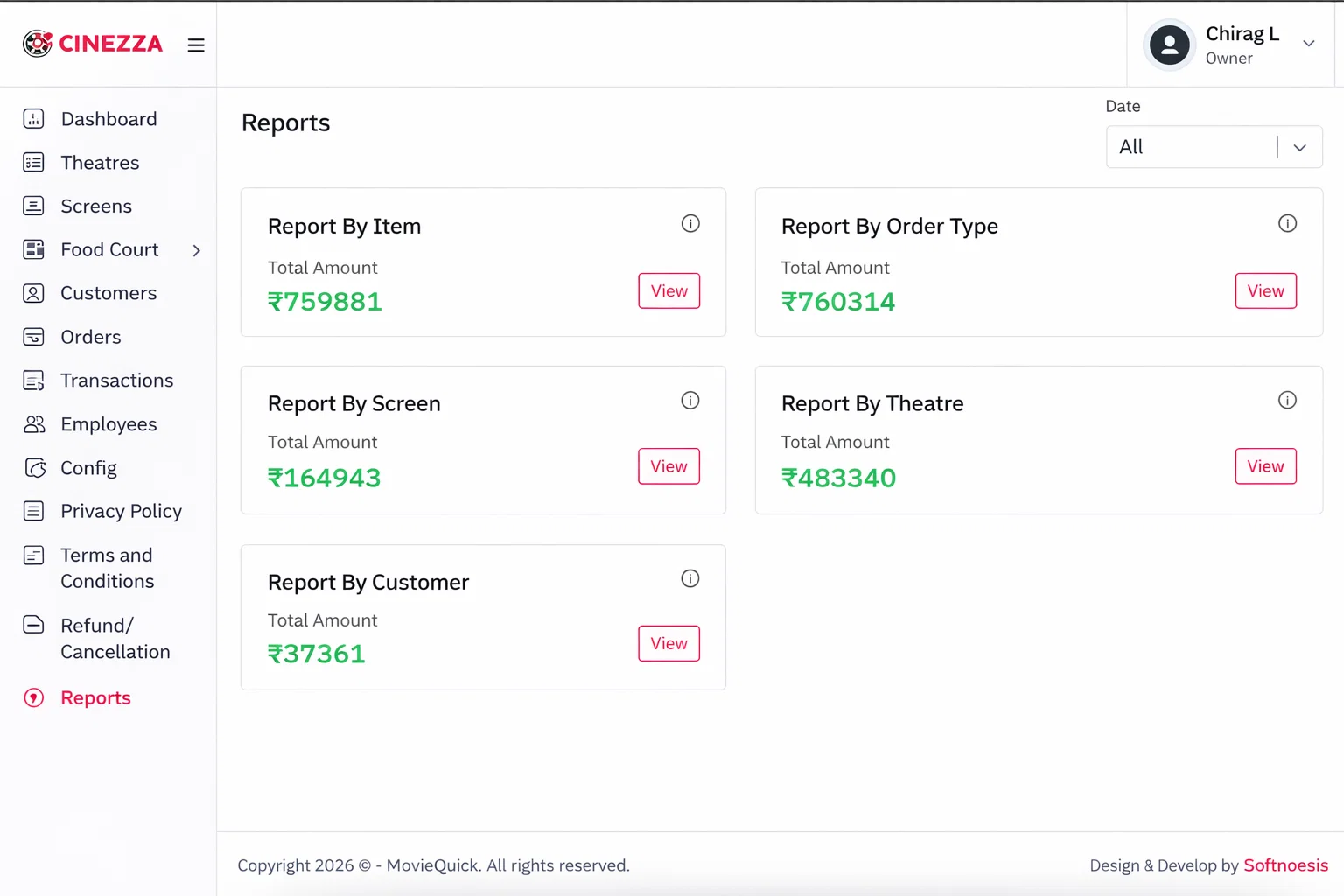
View Reports and Analytics
Access comprehensive reports across all your theatre locations. Track revenue, orders, staff performance, and more with detailed analytics.
- View daily, weekly, and monthly sales reports
- Track revenue across all theatre locations
- Download data sheets for each location
- Analyze top-selling items and revenue trends
Order Timing Settings
Control when customers can place orders. Set opening and closing time windows and minimum order amounts for each theatre location.
- Set order opening and closing time per theatre
- Configure minimum order amount per location
- Update settings anytime from the admin panel
- Settings apply immediately to customer panel